
QA QAT42Z1B
| Model | QAT42Z1B |
| Vendor | QA |
| Description | 1 channel scene switch |
| Exposes | switch (state), backlight_brightness, action |
| Picture | 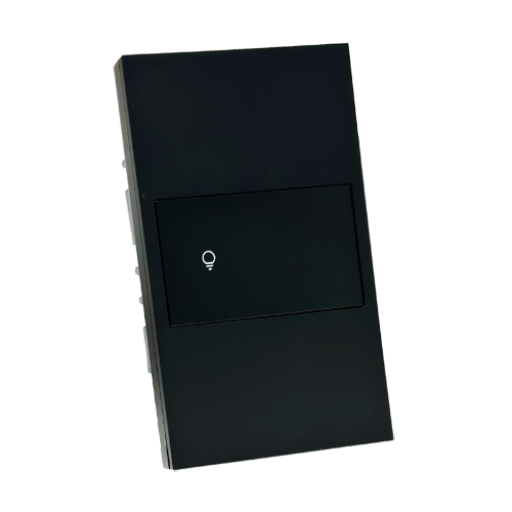 |
Options
How to use device type specific configuration
time_start: Reply to Tuya-specific time synchronization requests: "1970" - Reply with seconds since 1970/01/01 (recommended, should stop the device from asking), "2000" - Reply with seconds since 2000/01/01 (use if the weekday is wrong with 1970), "off" - Don't reply (use if replying causes too much traffic). Default for this device: "off". The value must be one of1970,2000,off
Exposes
Switch
The current state of this switch is in the published state under the state property (value is ON or OFF). To control this switch publish a message to topic zigbee2mqtt/FRIENDLY_NAME/set with payload {"state": "ON"}, {"state": "OFF"} or {"state": "TOGGLE"}. To read the current state of this switch publish a message to topic zigbee2mqtt/FRIENDLY_NAME/get with payload {"state": ""}.
Backlight brightness (numeric)
Backlight brightness (0-99). Value can be found in the published state on the backlight_brightness property. To read (/get) the value publish a message to topic zigbee2mqtt/FRIENDLY_NAME/get with payload {"backlight_brightness": ""}. To write (/set) a value publish a message to topic zigbee2mqtt/FRIENDLY_NAME/set with payload {"backlight_brightness": NEW_VALUE}. The minimal value is 0 and the maximum value is 99. The unit of this value is %.
Action (enum)
Triggered action (e.g. a button click). Value can be found in the published state on the action property. It's not possible to read (/get) or write (/set) this value. The possible values are: scene_1.